I've run sixteen creative and digital technology workshops with Georges River Council's adult and youth audience. The examples below document the strategies I've used across the programs. I've drawn from Merrill's Instructional Design Principles and the 5E Model for learning my creative technology workshops.
Problem-centred and Activation
I design my workshops to firstly spark engagement. I achieve this through an initial self-directed icebreaker activity presented on a Miro board, which is then used as a springboard to spark a discussion with learners to encourage them to share their past experiences and motivation for attending the workshop. A workshop agenda, design brief and/or visible project outcome is provided at the start so learners know what they're working towards.
Demonstration & Application
Afterwards I will structure demonstrations and short exercises to scaffold learning. Starting with simple exercises then build complexity as learners work towards project outcomes. Learners are provided with a visual and verbal walk through of the steps required, written steps are also revealed in the Miro board as we progress through the demonstration.
Application
Learners are given time to practice what they've been shown through. Progress is monitored through out and feedback is provided to the individuals and/or group. The task or activity are designed to build on previous concepts, as learners build confidence and independence.
Integration
I will look out for opportunities for learners to share their projects or findings with the group. Then at the end of the workshop learners are given the chance to reflect on what they've learnt - this is done either on the Miro board or verbally as a casual discussion.
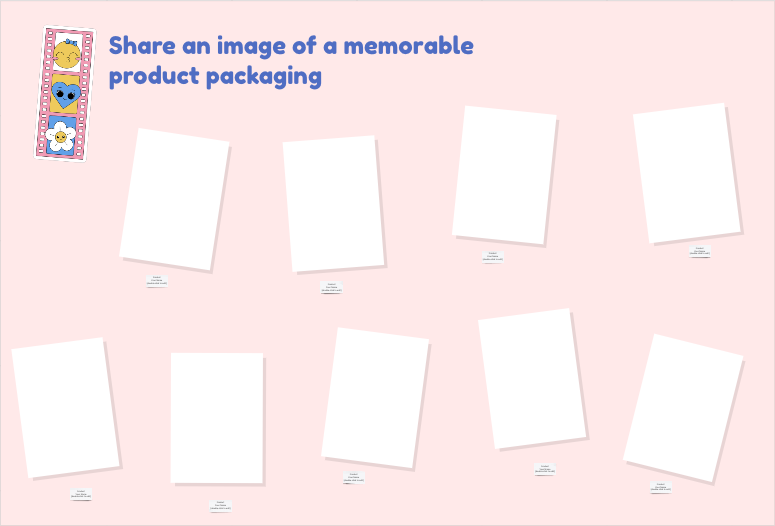
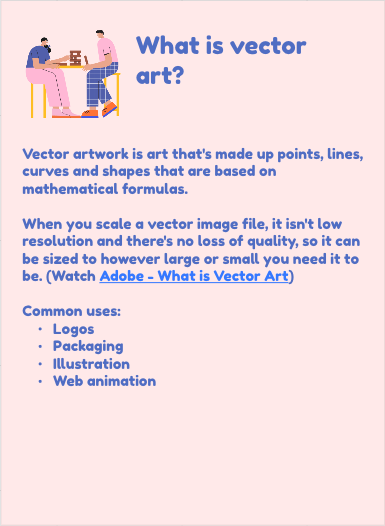
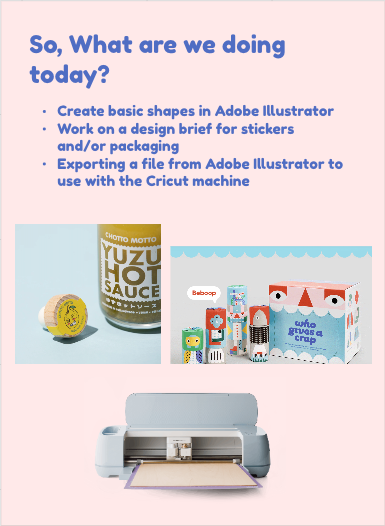

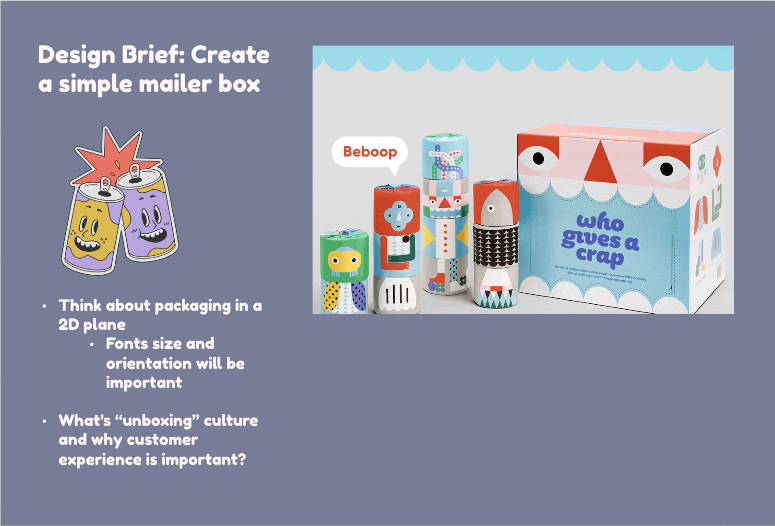
Click on the images below zoom into some of the slides from the workshop.
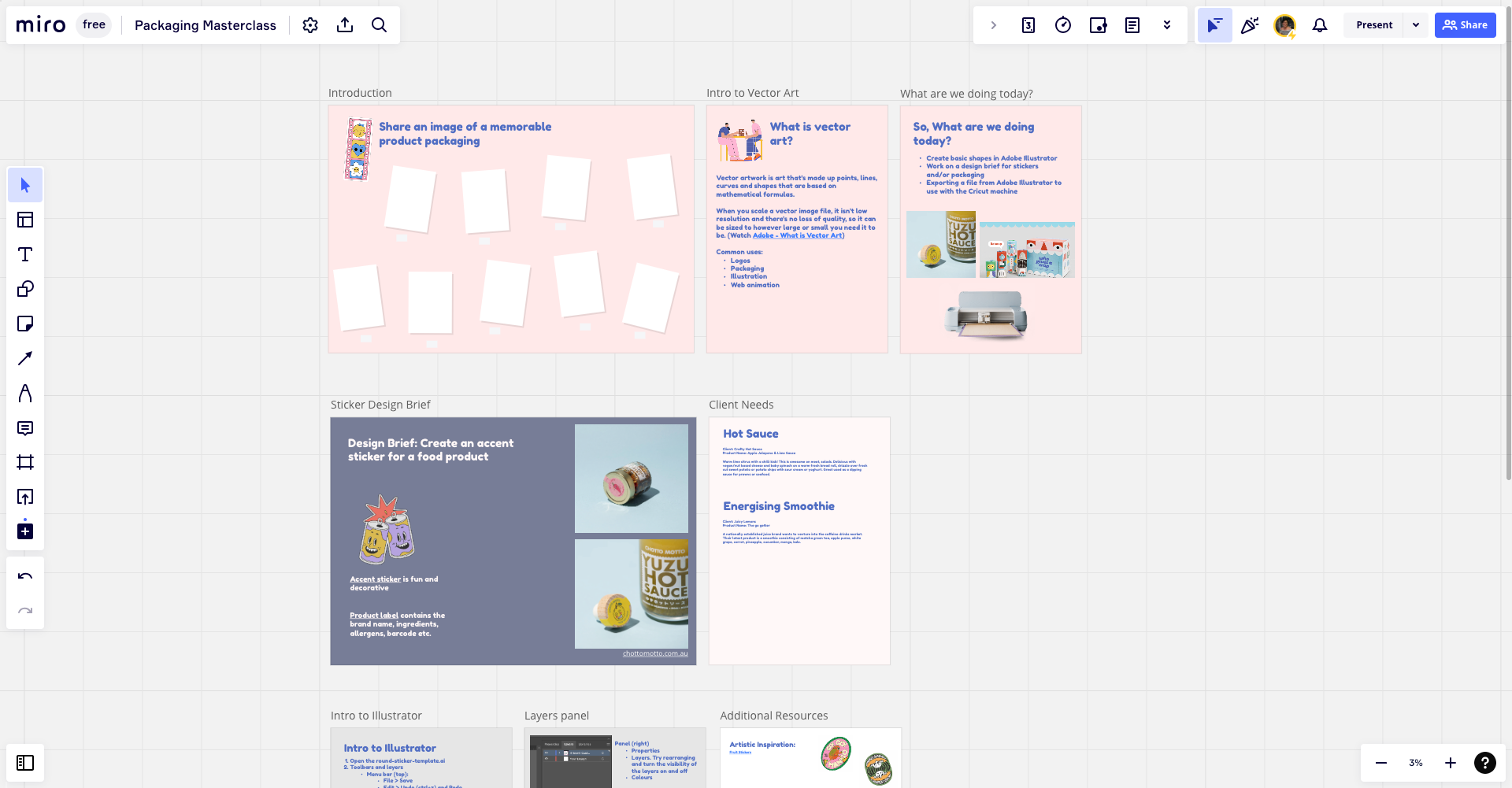
A snapshot of part of the workshop. Each of the sections are revealed as the workshop progresses. The pink slides (introduction to client needs) are aides to support the discussion at the start of the workshop. The grey slides (from Intro to Illustrator onwards) shows support materials that are provided to learners alongside my live demonstration of the platform.